
 ChatGPT
Intelligent UI (GPT-6)
GPT-6 answers with native components inline in the thread: picture-led explanations, flow cards, tables, a working bill splitter, an inline clarifying form and a stateful checklist, plus a Simple setting to tone it down.
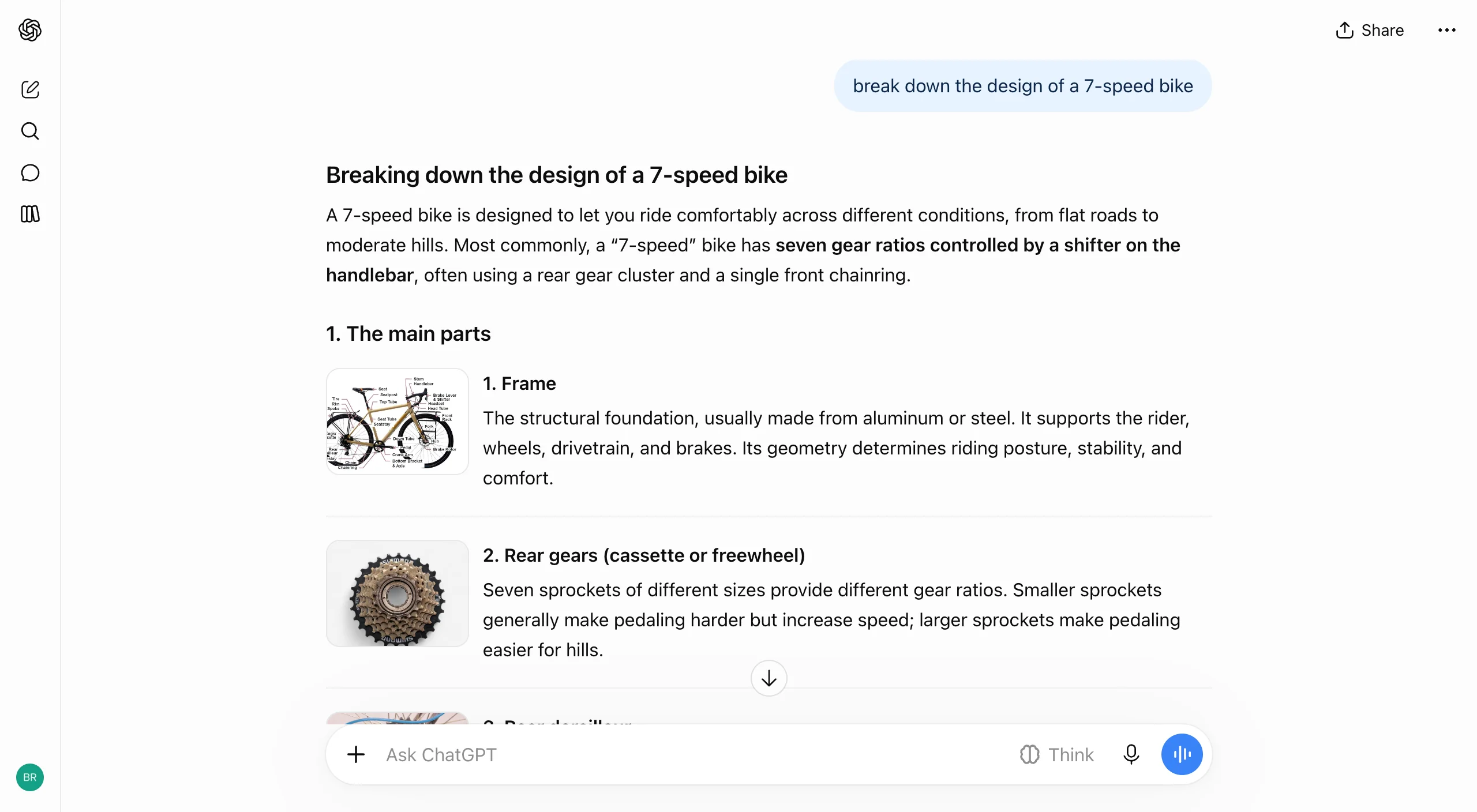
7-speed bike breakdown with a thumbnail beside each part
What's happening
ChatGPT picks a format each turn and renders it from a fixed kit of native components, inline in the thread, instead of sending interactive output to a side pane.
Patterns
Thumbnails, flow cards, tables and working tools chosen by the model
Clarifying question sent as a radio-button form after a default answer
Layout and visuals set to Default or Simple
UX Insights
- •Text answers first, so the visuals are optional depth
- •Generated tools look authoritative, so their assumptions need to be visible
- •Default and Simple have no preview, so comparing them means testing in chat
Design Decisions
OpenAI traded open-ended generated code for a closed component kit, which keeps every answer on-brand and fast to stream at the cost of a capability ceiling users can't see.
More case studies

 Alexa for shopping
Alexa for shopping on Amazon: left chat side panel with product cards and Add to cart, plus price alerts and auto buy.

 Claude
Artifacts
Substantial work opens as an artifact card, then expands into a split pane with live preview, code view, and optional publish.

 Google Gemini
Human in the Loop
Gemini asks clarifying questions before drafting email, previews Gmail drafts in a card, and gates Send behind explicit user approval.

 Perplexity
Human in the Loop
Perplexity surfaces Gmail and Outlook connector chips in the composer and lets users Allow or Disable individual read and write tools.