
Design AI products
people
We break down how the best AI products are built, then hand you the patterns, prompts, and skills to build yours.

ChatGPT human-in-the-loop UX: clarify before you act
ChatGPT human-in-the-loop UX: stating capability limits, structured clarifying questions, and handing consequential actions back to the user. Screenshot teardown for AI designers.


Gemini human-in-the-loop UX: clarify, draft, then approve send
Gemini human-in-the-loop UX: clarifying questions, Gmail draft preview cards, and explicit Send approval before email leaves your account.


AI Logo Concept Generator
Generate strategic logo concept directions with rationale, symbol ideas, and style guidance before design execution.
Film Library Gallery
Film photography gallery with illustrated canister cards, location rolls, and editorial type on a gridded cream field.

Why I Keep Returning to These Ten Vibe-Coded Projects
A Playground tour of portfolios, experiments, and Framer components that show where product feel actually gets built.
Design and ship polished sites without code. Use code partner25proyearly for 3 months free on yearly Pro.
Try Framer freeAd Creative
Generate and iterate ad creative at scale: headlines, descriptions, primary text, and full variations for Google, Meta, LinkedIn, and other paid platforms.
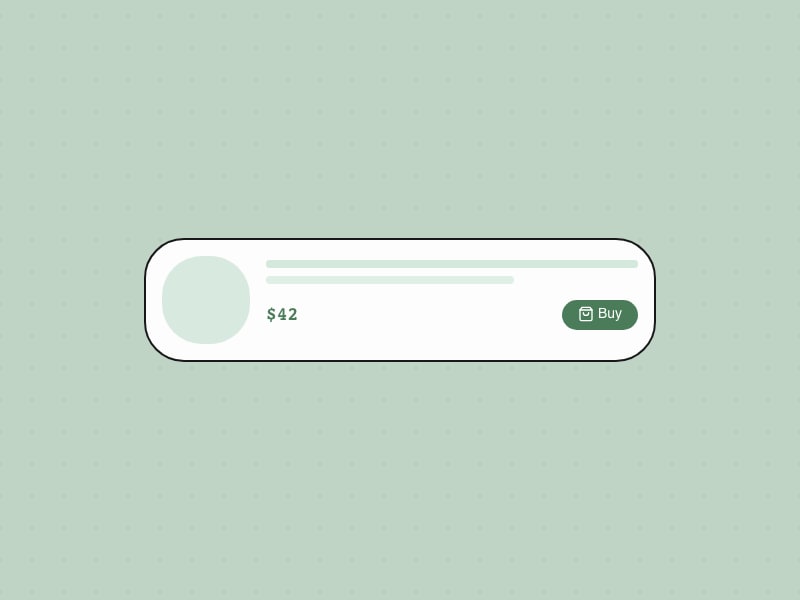
Instant Buy
One-click purchase from AI
Design & Analyze a Survey
Create effective surveys, collect responses, and analyze results for actionable insights.

Perplexity human-in-the-loop UX: connectors & tool permissions
Perplexity human-in-the-loop UX: Gmail connector chips in the composer and per-tool Allow/Disable controls for read vs write agent capabilities.


Logo Critique & Refinement
Critique a logo direction and get prioritized refinements for clarity, distinctiveness, scalability, and brand fit.
Wiki Spy
Explore nearly 44,000 isolated Wikipedia object images in chaotic collages: search by color or theme, or shuffle the field.

The Rise of the Design Engineer in the Era of AI
Why the most valuable product people of the next decade might sit between design and code—and what taste, systems thinking, and builder energy look like in practice.
AI Image Generation
Generate AI images with GPT-Image-2, FLUX, Gemini, Grok, Seedream, and 50+ models via inference.sh. Text-to-image, inpainting, LoRA, upscaling, and marketing visuals.
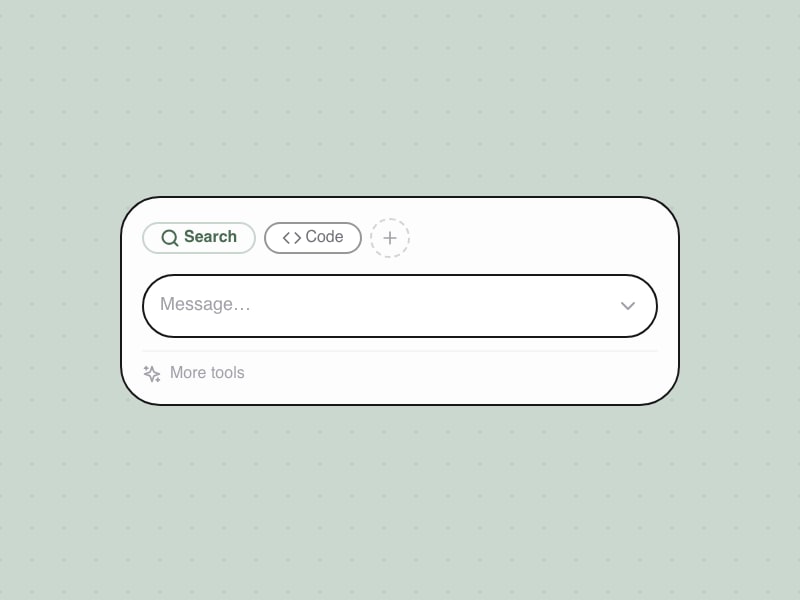
Tool Switching in Composer
Switch between AI capabilities within composer
Design & Analyze A/B Tests
Design rigorous A/B tests, run them correctly, and analyze results for clear decisions.
Perplexity shopping UX: discovery feed & instant buy
Perplexity shopping UX: dedicated Shopping tab, curated product cards, in-product checkout, and wallet setup. Patterns for AI-native commerce.


Campaign Copy Generator
Generate conversion-focused copy across landing pages, ads, email subjects, and CTAs in one pass.
Shepherd's Dog
Pastoral herding game from the When AI Fails series: steer a dog, bark to scatter sheep, and beat dusk before wolves arrive, built with Claude Fable 5.


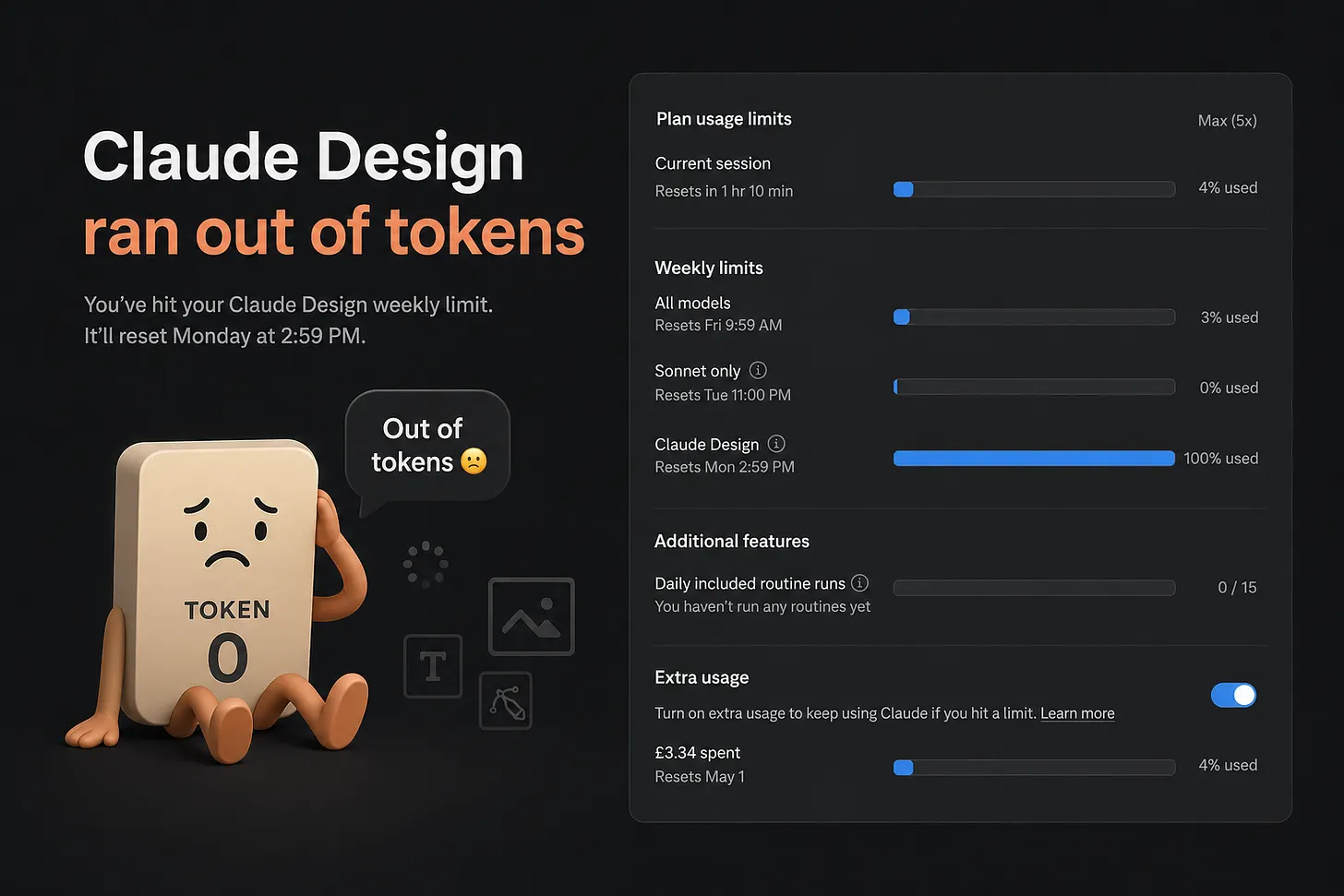
How to Save Tokens in Claude Design Without Killing Creative Quality
A practical playbook for reducing Claude Design usage, avoiding rework, and getting better output from every prompt without sacrificing creative quality.
Churn Prevention
Reduce churn with cancellation flows, save offers, exit surveys, win-back sequences, and retention experiments for SaaS and subscription products.
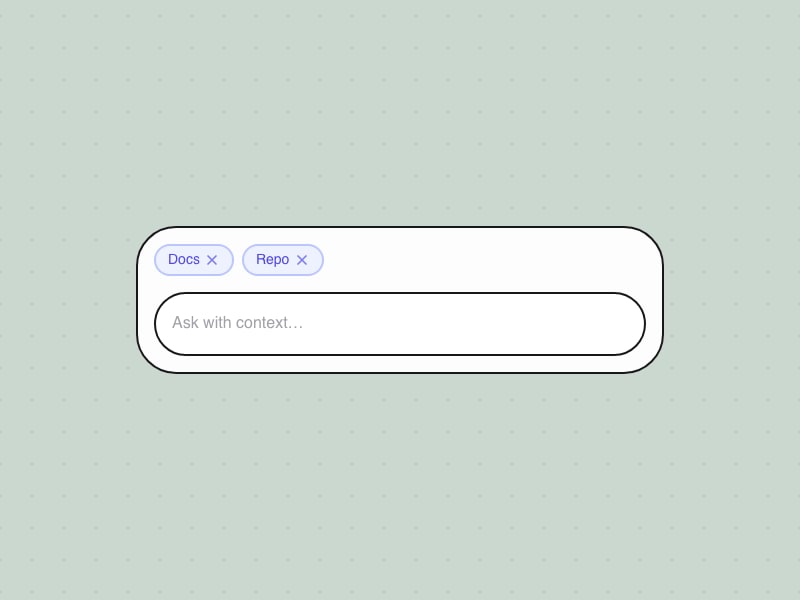
Context Chip Management
Adding context sources via menu with removable chips
Handoff to Engineering
Prepare designs for development with clear specs, assets, and communication.
Gemini output UX: guides, tables & Workspace handoffs
Gemini output UX: guide-shaped answers, event tables, section export to Sheets, Maps split pane, refinement menus, and Workspace handoffs. Screenshot walkthrough for AI product designers.


User Research Synthesis
Synthesize user research findings into actionable insights and design recommendations.
Animation Gallery
Interactive animation gallery with a transition dial: browse motion presets and tune timing in the browser.

Top 10 AI Prompts Every Visual Designer Should Save
10 copy-paste prompts for mood boards, polish passes, handoff QA, and stakeholder feedback so you can make faster, sharper visual design decisions with AI.
Design an Interface
Generate multiple radically different interface designs for a module using parallel exploration, then compare. Based on "Design It Twice" from A Philosophy of Software Design.
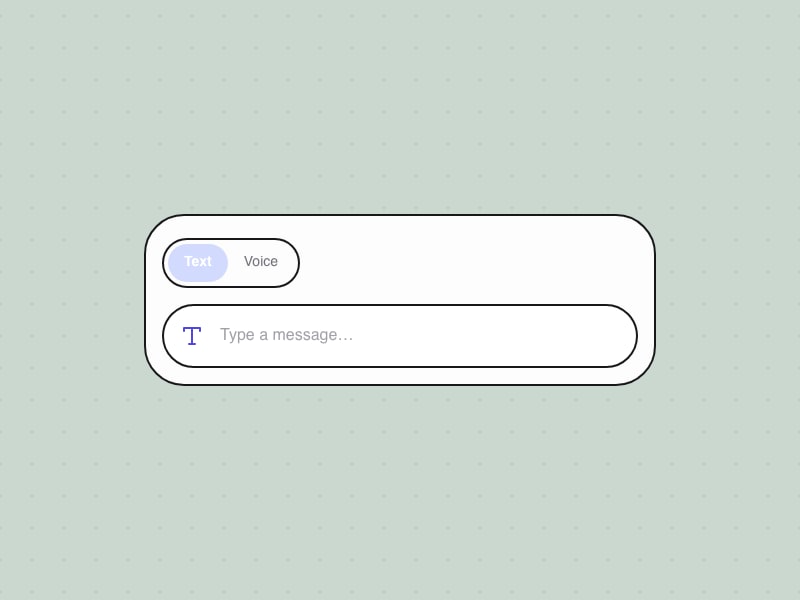
Input Mode Toggle
Switch between text, voice, and dictation modes
Lead a Cross-Functional Project
Successfully lead a project across teams without formal authority.
Perplexity personalization UX: vertical profiles, response style & memory
Personalize search answers with declared context, domain watchlists, and opt-in history, not chat persona sliders.


UI Component Specification
Generate a detailed UI component specification with states, variants, and interaction patterns.
Halftone Maker
Professional halftone and stippling generator: grid layouts and organic dot placement with PNG/SVG export in the browser.

The Week I Realized I Was Learning the Wrong Thing
In a week of nonstop AI launches, why the best investment is still timeless design fundamentals: trust, craft, and clear decision quality.
DOCX
Create, read, edit, and manipulate Word documents (.docx): formatting, tables of contents, tracked changes, comments, templates, and professional reports.
Lead Magnets
Plan, create, and optimize lead magnets for email capture: format selection, value framing, landing page structure, and distribution strategy.
Career Development Plan
Create a structured career development plan with goals, skills to develop, and actionable steps.
Top Prompts
See allFrequently asked questions
What is AI UX Playground?
AI UX Playground is a free reference for people who design AI products. It catalogs 172+ interface patterns with live demos, 3 versioned UX frameworks, 26 product teardowns with screenshot walkthroughs, 172 copy-paste prompts, 131 agent skills (SKILL.md), 18 multi-step workflows, and a curated Playground of 53 projects. The site is built for product designers, PMs, and engineers shipping chat, agents, and multimodal AI.
How is this different from a general UI pattern library?
General UI libraries cover buttons, forms, and navigation for static apps. AI UX Playground focuses on problems that appear when models stream, act autonomously, need trust signals, handle tools, or work across voice and ambient surfaces. Patterns are tagged by product examples (ChatGPT, Claude, Perplexity, and others) and grouped for agentic, chat, trust, and commerce workflows—not generic web chrome.
What is the difference between Patterns and Teardowns?
Patterns are documented UX solutions with definitions, when-to-use guidance, anti-patterns, and interactive demos you can study in the browser. Teardowns (26 live guides) are job-first, screenshot-backed walkthroughs of how shipped AI products solve specific design problems in production, useful for benchmarking before you pick a pattern to spec.
What are Frameworks on this site?
Frameworks are deep, versioned references—not just filters on the pattern grid. The live catalog includes 3 frameworks (for example Agentic UX with 36 patterns across seven territories, and Chat UX for composer and turn-taking). Each framework names territories, guiding questions, anti-patterns, and links into related catalog patterns.
How do Prompts, Skills, and Workflows differ?
Prompts (172) are single copy-paste instructions for design tasks. Skills (131) are full SKILL.md files for Cursor, Claude Code, and similar agents—workflow rules teams install in their repo. Workflows (18) chain prompts across a goal (research, design systems, career, and more) with timing and deliverables. Use prompts for one-offs, skills for repeatable agent behavior, workflows for end-to-end process.
Do pattern pages include working demos?
Yes. Most pattern detail pages embed a live UI demo in the same view as the write-up. There is no separate demos section—open a pattern from the catalog to see the interaction, states, and notes together. Demos are for learning and reference, not production drop-in code.
Who maintains AI UX Playground and is it free to use?
AI UX Playground is an editorial catalog curated for the design community by Bestfolios.com. Browsing patterns, frameworks, teardowns, prompts, and skills is free. You may cite and link to pages with attribution; check individual skill sources for their licenses. Subscribe to the newsletter on the homepage for weekly AI product UX notes.